

GPU utilization is a key metric for measuring AI infrastructure efficiency because it reflects how effectively GPU resources are used. Low GPU utilization can lead to higher operational costs and slower AI workloads, while improving utilization helps maximize hardware investments and overall performance. FPT AI Factory enables organizations to optimize GPU utilization through scalable AI infrastructure and GPU services that support AI development, training, and deployment.
| Key Takeaways:
Before exploring the details, here are the key insights to help you understand why GPU utilization is essential for AI infrastructure and how organizations can improve it efficiently.
|
Looking to improve GPU utilization across your AI infrastructure? FPT AI Factory provides scalable GPU solutions that help organizations optimize resource efficiency, accelerate AI workloads, and support AI development, training, and inference. For customized infrastructure or enterprise AI deployments, contact our experts through the Contact Us form.
1. What Is GPU Utilization?
GPU utilization is a key metric for evaluating the efficiency of AI infrastructure. By measuring how effectively GPU resources are used, organizations can identify performance bottlenecks, improve resource allocation, and maximize the value of their AI infrastructure. Understanding GPU utilization is the first step toward optimizing AI model training, AI inference, and other compute-intensive workloads.
1.1. Definition
GPU utilization refers to the percentage of time a graphics processing unit (GPU) actively performs computational tasks, indicating how effectively GPU resources are used during AI workloads. A high utilization rate means the GPU is continuously processing computations, whereas a low rate suggests that valuable compute resources spend more time waiting for data or system resources than performing useful work.
It is important to distinguish GPU utilization from GPU memory utilization. A workload may consume most of the available GPU memory while using only a small portion of the GPU’s computing capacity. For this reason, memory usage alone cannot accurately reflect overall GPU performance, and both compute and memory metrics should be evaluated together.
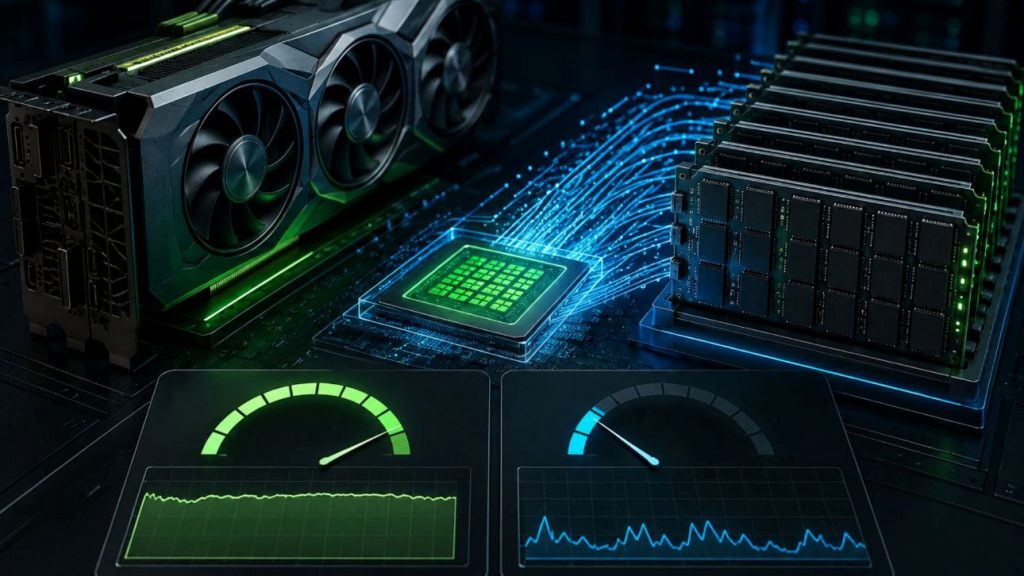
GPU utilization measures how effectively GPU compute resources are used during AI workloads
1.2. How Is GPU Utilization Measured?
Because GPU performance depends on multiple hardware components, GPU utilization cannot be measured using a single metric. Instead, organizations monitor several performance indicators to evaluate how efficiently AI workloads use available GPU resources and identify potential performance bottlenecks.
Compute utilization
Compute utilization measures the percentage of time the GPU’s processing cores are actively executing computations. As the primary indicator of GPU activity, it reflects how effectively the GPU processes AI workloads such as model training, inference, and data processing. Low compute utilization often indicates idle GPU resources or bottlenecks elsewhere in the system.
Memory utilization
Memory utilization measures the percentage of GPU memory currently in use by running workloads. Large AI models often require substantial GPU memory, but high memory utilization does not necessarily indicate efficient GPU utilization. Compute resources may still remain underutilized due to inefficient data loading, workload configuration, or synchronization delays.
Tensor Core and Streaming Multiprocessor (SM) utilization
For advanced AI workloads, organizations also monitor Tensor Core and Streaming Multiprocessor (SM) utilization to gain deeper insights into GPU performance. Tensor Cores accelerate matrix operations used in deep learning, while SMs execute parallel computations across GPU cores. Together, these metrics help determine whether modern AI accelerators are fully utilizing their specialized hardware capabilities during large-scale training and inference.
Understanding how GPU utilization is measured provides the foundation for evaluating AI infrastructure performance. The next step is understanding why this metric matters and how it affects AI efficiency, operational costs, and overall infrastructure return on investment.
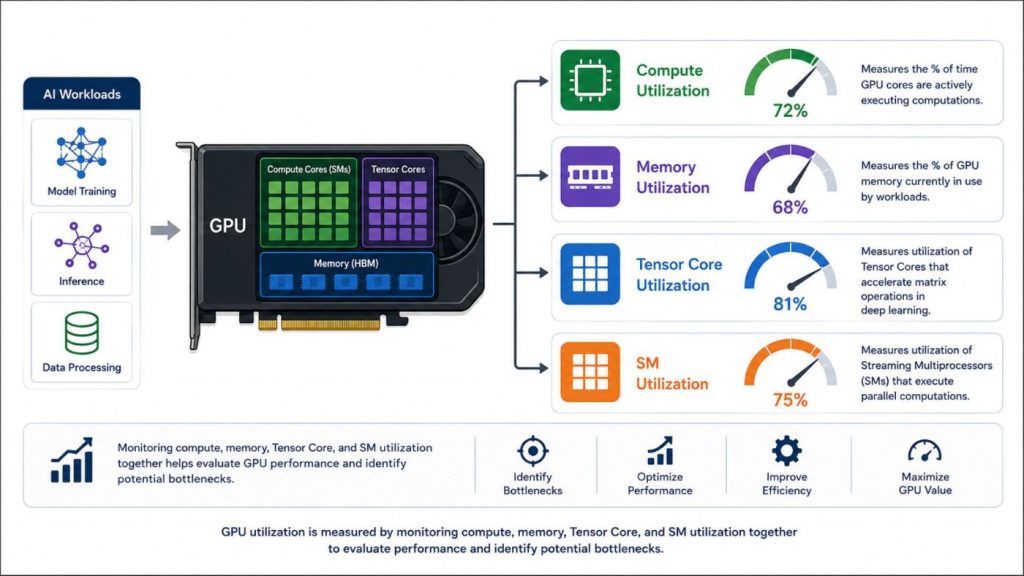
Multiple utilization metrics provide a comprehensive view of GPU performance for AI training and inference
2. Why GPU Utilization Matters in AI Computing
GPU utilization is a key indicator of how efficiently AI infrastructure uses available computing resources. Improving GPU utilization not only enhances AI performance but also helps organizations maximize the value of their GPU investments. According to the ClearML and AI Infrastructure Alliance State of AI Infrastructure at Scale 2024 report, only 7% of organizations achieve GPU utilization above 85% during peak periods, highlighting how difficult it is to maximize GPU efficiency in production AI environments. This makes GPU utilization a critical metric for organizations seeking to improve AI performance while controlling infrastructure costs.
GPU utilization matters because it helps organizations:
- Optimize infrastructure costs: High-performance GPUs require significant investment, whether deployed on-premises or in the cloud. As cloud GPU pricing is typically based on allocated GPU resources, improving utilization helps reduce idle capacity and maximize infrastructure value.
- Improve AI performance: Efficient GPU utilization enables faster model training, inference, and other compute-intensive AI workloads by keeping GPU resources actively processing tasks.
- Increase infrastructure ROI: Processing more workloads with the same GPU resources improves hardware efficiency and delays the need for additional infrastructure investment.
- Support sustainable AI computing: Better GPU utilization reduces unnecessary energy consumption and enables higher computational output without proportionally increasing hardware resources.
While high GPU utilization delivers significant performance and cost benefits, many organizations still struggle to achieve it consistently. Identifying the underlying causes of low GPU utilization is the first step toward improving AI infrastructure efficiency.
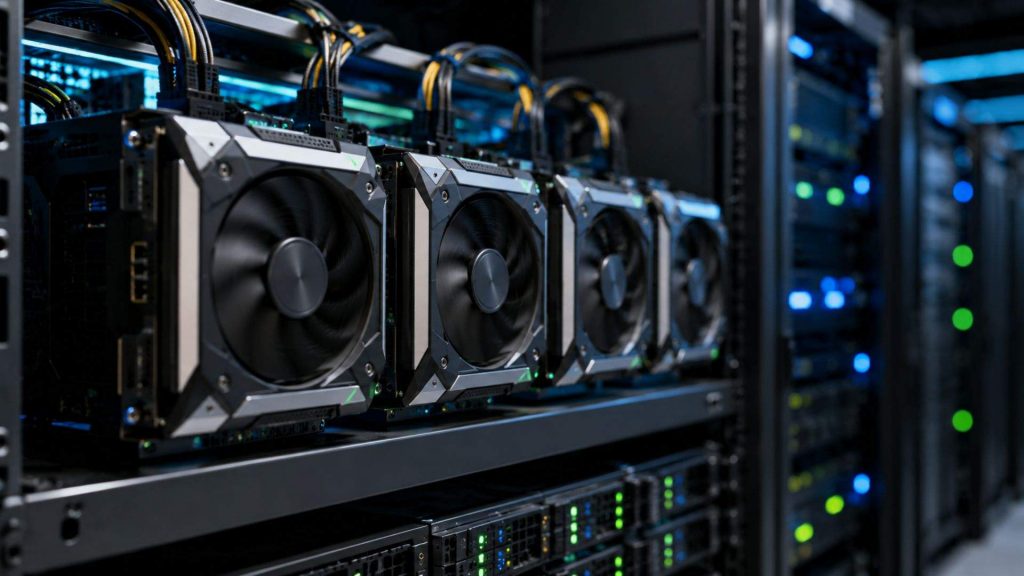
Optimizing GPU Utilization Improves AI Performance, Reduces Costs, and Maximizes Infrastructure ROI
3. Common Reasons for Low GPU Utilization
Low GPU utilization is not always caused by insufficient GPU performance. In many cases, the root cause lies in inefficient workload execution, data movement, or infrastructure configuration that prevents GPUs from operating at full capacity. Understanding these bottlenecks helps organizations identify optimization opportunities and maximize the efficiency of their AI infrastructure.
3.1 Inefficient data pipeline
An inefficient data pipeline is one of the most common reasons for low GPU utilization. Before a GPU can process AI workloads, data must be loaded, preprocessed, and transferred from storage to GPU memory. If these steps cannot keep pace with the GPU’s processing speed, the GPU remains idle while waiting for the next batch of data. Optimizing data loading, preprocessing, and storage throughput helps maintain a continuous flow of data and improves overall GPU utilization.
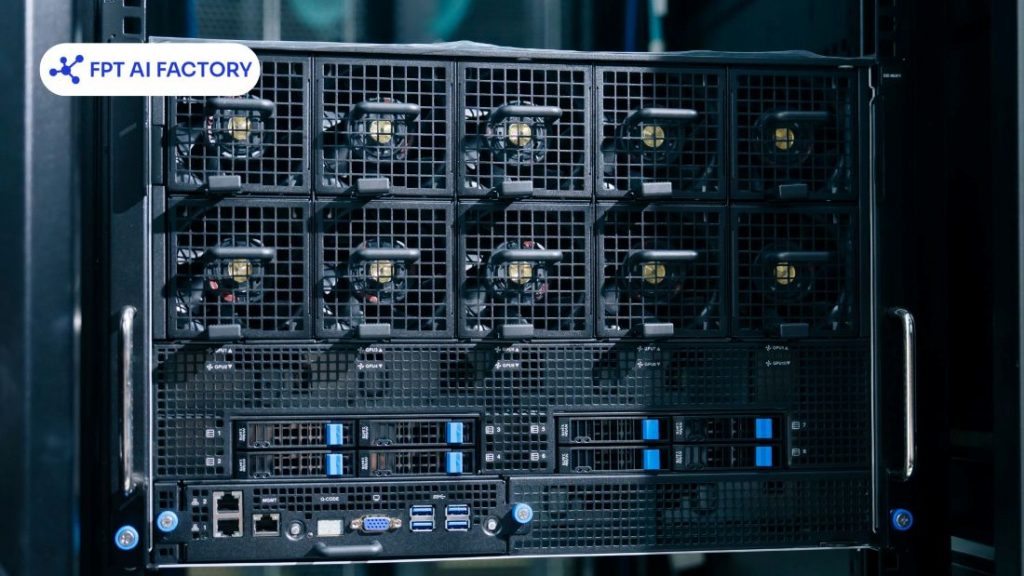
Data loading and preprocessing bottlenecks can leave GPUs idle while waiting for the next batch of data
3.2 Incorrect workload configuration
Workload configuration has a direct impact on how efficiently GPU resources are used. Parameters such as batch size, precision mode, and workload allocation determine how much computation can be processed in parallel. For example, using a batch size that is too small may leave GPU cores underutilized, while inefficient configurations can increase synchronization overhead and reduce overall throughput.
3.3 Limited parallel processing
GPUs are designed to execute thousands of operations simultaneously. However, workloads that cannot be effectively parallelized may fail to utilize the GPU’s full computing capacity. This often occurs when tasks contain sequential operations or uneven workloads, preventing GPU cores from processing data concurrently and reducing overall utilization.
3.4 Poor GPU scheduling
In shared AI environments, inefficient GPU scheduling can result in idle resources even when workloads are waiting to run. Uneven workload distribution, resource fragmentation, or delayed job allocation may prevent GPUs from operating continuously. Effective scheduling ensures that GPU resources are allocated efficiently across multiple users and workloads, minimizing idle time and improving overall infrastructure utilization.
3.5 CPU or storage bottlenecks
GPU performance depends on the entire AI infrastructure rather than the GPU alone. If CPUs cannot prepare data quickly enough, or storage systems and networks cannot deliver data at the required speed, GPUs spend more time waiting than computing. Eliminating these bottlenecks enables GPUs to process workloads continuously and achieve higher utilization.
3.6 Memory constraints
Limited GPU memory can also reduce utilization, particularly when training large AI models or processing high-resolution datasets. When available memory is insufficient, workloads may repeatedly transfer data between GPU and system memory, increasing latency and interrupting computation. Optimizing memory usage and selecting appropriate model configurations help reduce these delays and improve GPU efficiency.
Once these bottlenecks have been identified, organizations can implement targeted optimization strategies to reduce idle GPU time and improve workload efficiency. The following best practices focus on maximizing GPU utilization across AI workloads.
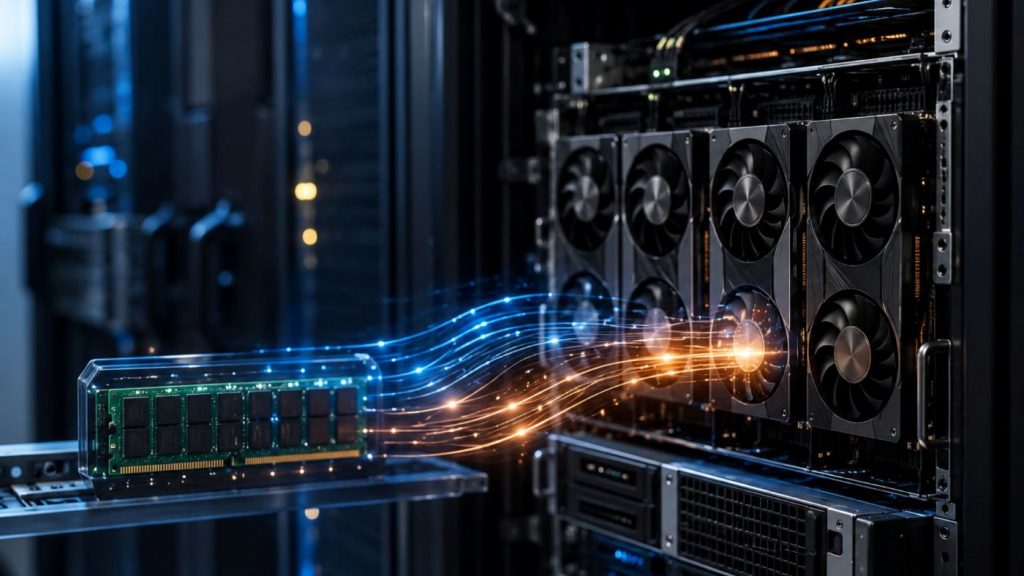
Limited GPU memory can reduce AI training efficiency
4. How to Improve GPU Utilization for AI Workloads
Improving GPU utilization requires more than deploying powerful GPUs. Organizations must optimize workload configuration, resource scheduling, and model execution to minimize idle time and ensure AI workloads fully leverage available computing resources.
4.1 Optimize batch size
Optimizing batch size is essential for improving GPU utilization and overall training performance. Within a well-designed machine learning pipeline, batch size should be balanced with data loading and GPU memory capacity to keep compute resources fully utilized. Finding the optimal configuration helps maximize throughput while avoiding memory bottlenecks.
4.2 Enable parallel computing
Modern GPUs are designed to execute thousands of operations simultaneously, making parallel computing essential for maximizing GPU utilization. Organizations can further improve efficiency through distributed machine learning, which distributes AI workloads across multiple GPUs or compute nodes. Combined with data parallelism, model parallelism, and distributed training, this approach increases throughput, reduces training time, and enables AI workloads to scale more effectively.
4.3 Improve GPU scheduling
Efficient GPU scheduling helps ensure workloads are assigned to available GPU resources without unnecessary delays. Intelligent scheduling balances workloads across multiple GPUs, reduces resource fragmentation, and minimizes idle time in shared computing environments. This is particularly important for enterprise AI platforms that support multiple users and concurrent AI workloads.
4.4 Monitor GPU performance
Continuous monitoring is an essential MLOps practice for maintaining high GPU utilization. By tracking metrics such as compute utilization, memory utilization, Tensor Core utilization, GPU temperature, and power consumption, organizations can identify bottlenecks and optimize workload performance. Tools such as NVIDIA System Management Interface (nvidia-smi) provide real-time insights to improve resource allocation and maximize GPU efficiency.

Continuous GPU monitoring helps maximize utilization and identify performance bottleneck
4.5 Optimize Model Execution
Optimizing model execution improves GPU efficiency by reducing unnecessary computational overhead. Techniques such as mixed-precision training, efficient memory management, operator fusion, and optimized inference frameworks enable AI models to process workloads more efficiently while maintaining model accuracy. Combined with optimized infrastructure, these techniques help organizations maximize GPU utilization and overall AI performance.
Although these optimization techniques apply broadly, the ideal approach varies depending on the type of AI workload. Training, inference, fine-tuning, and enterprise AI applications each have different performance priorities and infrastructure requirements.
5. GPU Utilization Optimization for Different AI Workloads
Different AI workloads have different performance requirements, so GPU utilization should be optimized accordingly. While training workloads aim to maximize computational throughput, inference workloads prioritize fast response times and efficient resource usage. Selecting the right optimization strategy helps organizations improve AI performance while making the most of available GPU resources.
5.1. Training Workloads
Training workloads require maximum GPU utilization to process large datasets and complex AI models efficiently. The primary objective is to keep GPU compute resources continuously active, minimizing idle time throughout the training process. Organizations can achieve this by optimizing batch sizes, maintaining efficient data pipelines, and leveraging distributed training to scale workloads across multiple GPUs. These strategies increase computational throughput, shorten training time, and maximize the value of AI infrastructure investments.
5.2. Inference Workloads
Unlike training, inference workloads prioritize low latency and efficient request handling while maintaining high GPU utilization. Efficient model serving improves GPU utilization through request batching, workload allocation, and GPU scheduling. These techniques balance latency and throughput, enabling organizations to serve more concurrent AI requests with consistent performance.
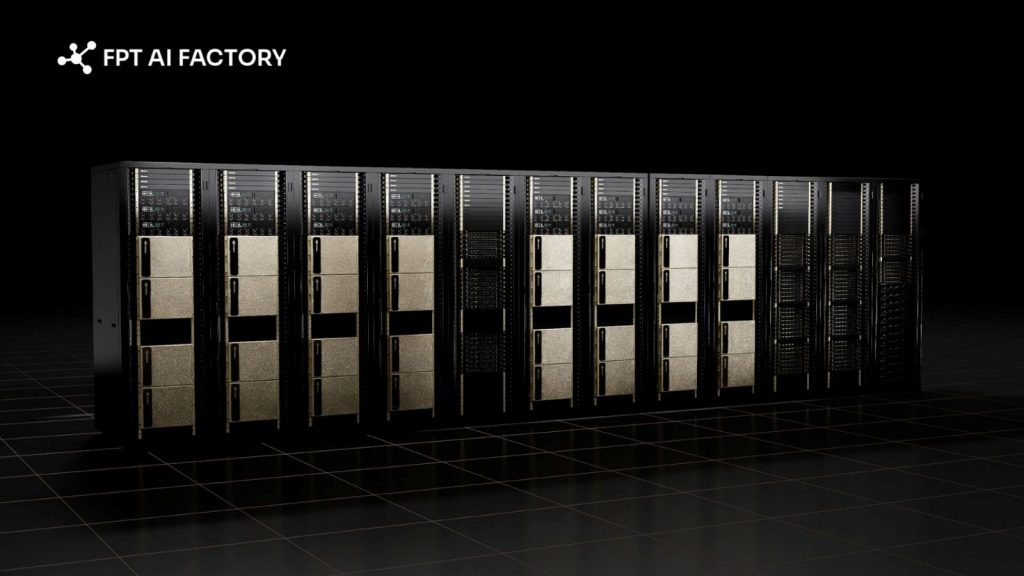
Modern GPU infrastructure supports efficient AI inference
5.3. Model Fine-Tuning
Model fine-tuning, particularly Supervised Fine-Tuning for large language models, typically requires fewer computing resources than training a model from scratch. Optimizing batch sizes, memory usage, and model execution improves GPU utilization by reducing computational overhead and accelerating fine-tuning tasks. As a result, organizations can efficiently customize foundation models for domain-specific applications while maximizing the use of available GPU resources.
5.4. Multi-Model and Enterprise AI Workloads
Enterprise AI platforms often run multiple AI models simultaneously to support different business applications and users. Maximizing GPU utilization in these environments requires intelligent workload scheduling, balanced resource allocation, and workload isolation to prevent resource contention. These optimization strategies enable multiple AI workloads to share GPU resources efficiently while maintaining consistent performance and scalability.
5.5. Shared GPU Environments
Shared GPU environments allow multiple users, teams, or AI workloads to access the same GPU infrastructure. To maintain high GPU utilization, organizations need fair resource allocation, intelligent scheduling, and continuous performance monitoring to minimize idle capacity and avoid resource conflicts. Optimizing GPU sharing improves infrastructure efficiency, increases hardware utilization, and supports scalable AI operations without requiring dedicated GPU resources for every workload.
Workload optimization alone cannot maximize GPU utilization without the right infrastructure. The underlying compute environment plays an equally important role in improving resource allocation, scalability, and overall AI performance.
6. Infrastructure Considerations for GPU Utilization
Optimizing GPU utilization depends not only on AI models and workloads but also on the underlying infrastructure. Flexible solutions such as GPU as a Service help organizations allocate GPU resources more efficiently and scale AI workloads as needed.
6.1. GPU Virtual Machine
During AI development, teams often need flexible GPU resources for experimentation, model testing, and iterative development rather than dedicated infrastructure. GPU Virtual Machine provides on-demand GPU instances that can be provisioned whenever needed, allowing developers to scale resources based on project requirements. This flexible approach minimizes idle GPU capacity and helps organizations improve GPU utilization throughout the development lifecycle.
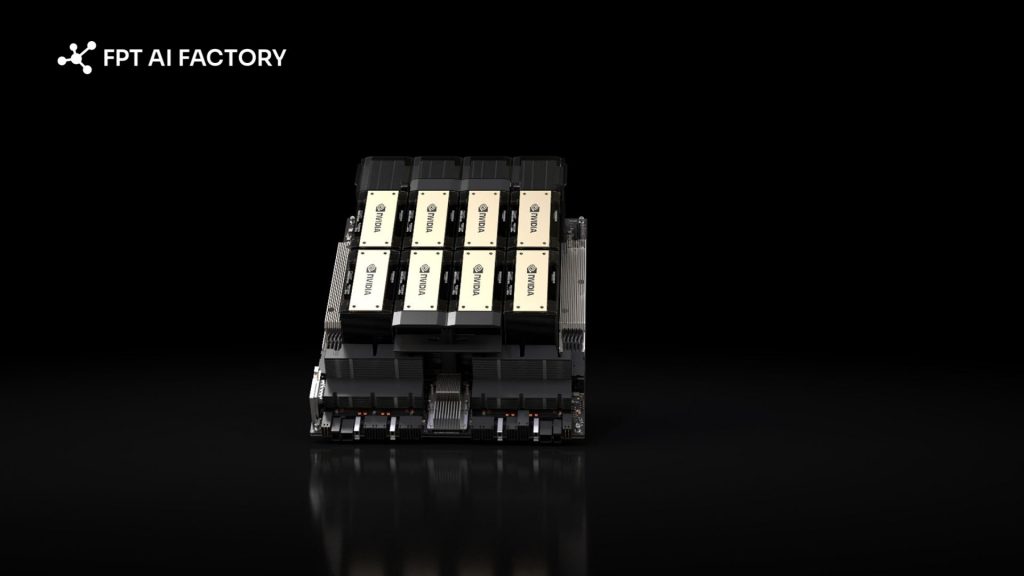
GPU Virtual Machines provide flexible, on-demand GPU resources for AI development
6.2. GPU Container
As AI projects move from experimentation to model training and fine-tuning, maintaining a consistent execution environment becomes equally important. GPU Container delivers preconfigured GPU environments with the required AI frameworks and dependencies, enabling teams to deploy training workloads quickly and efficiently. By reducing setup complexity and ensuring consistent runtime performance, GPU Container helps maximize GPU utilization during compute-intensive AI workloads.
6.3. GPU Cluster
As AI workloads continue to grow, a single GPU may no longer be sufficient for demanding use cases such as large-scale model training or high-volume inference. For these scenarios, GPU Clusters enable multiple GPUs to work together through distributed computing, providing greater scalability and resource efficiency. Since multi-GPU environments are designed for workloads that require distributed execution, GPU Clusters are typically recommended for large-scale AI applications rather than standard AI development or inference tasks.
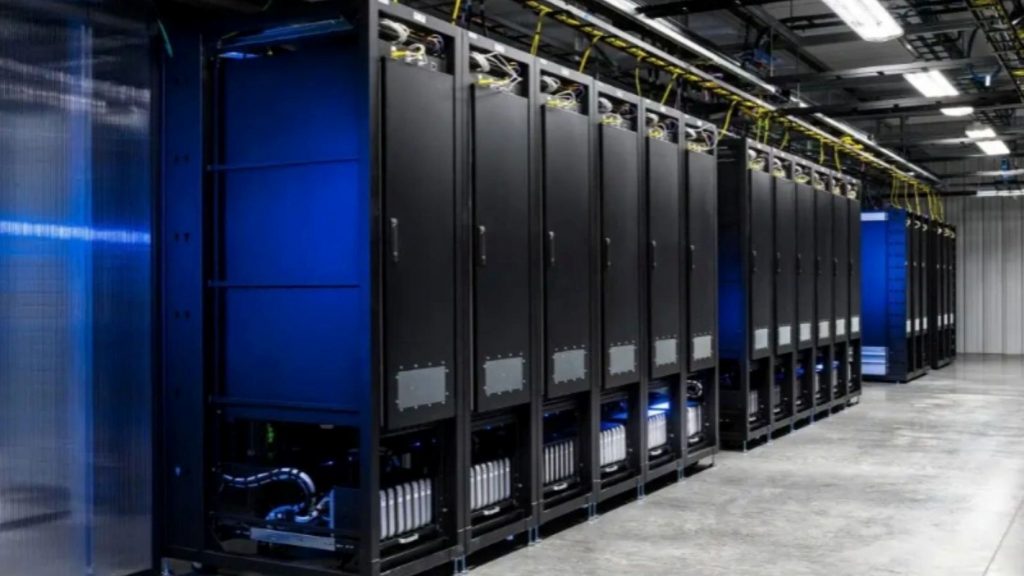
GPU clusters enable scalable AI training and inference
Optimizing GPU utilization is essential for improving AI infrastructure efficiency, accelerating AI workloads, and maximizing GPU investments. While model optimization is important, achieving consistently high GPU utilization also depends on the right infrastructure, including efficient resource allocation, workload scheduling, and scalable GPU environments.
From AI development to large-scale inference, FPT AI Factory provides AI infrastructure in Vietnam and Japan, with Malaysia coming soon, helping organizations across Asia reduce latency and support regional AI deployments. Businesses can leverage competitively priced hourly GPU services with the flexibility to scale as needed, while a dedicated AI consulting team works closely with each project to recommend the right infrastructure and deployment strategy. Explore FPT AI Factory Pricing or Contact Us to discuss the right GPU solution for your AI workloads.
Contact information:
- Hotline: 1900 638 399
- Email: support@fptcloud.com
Explore related articles:
NVIDIA H100 vs RTX 4090: Which GPU should you choose?
What is Nvidia Blackwell? Architecture and specs overview
AI Inference vs Training: What’s the Difference?
Best GPU Cloud Providers in 2026: Compared for Workloads