GPU vs CPU is a common comparison when businesses evaluate computing resources for AI and machine learning workloads. While CPUs are designed for flexible, general-purpose processing, GPUs are optimized for parallel computation and high-throughput tasks. In this article, FPT AI Factory explains the difference between CPU and GPU, how each processor works, and when to choose CPU, GPU, or a hybrid setup for AI deployment.
1. What is a CPU?
A CPU, or Central Processing Unit, is the main processor responsible for executing instructions and managing general-purpose computing tasks. It handles operating system processes, application logic, data movement, and coordination between different system components.
CPUs are designed with fewer but more powerful cores. This makes them effective for tasks that require sequential processing, strong single-thread performance, and flexible decision-making. In AI, CPUs are commonly used for:
- Data preprocessing
- API handling and application logic
- Workflow orchestration
- Lightweight AI inference
- Managing and coordinating GPU resources
As a result, CPUs remain essential for managing the logic, coordination, and supporting tasks behind AI systems.
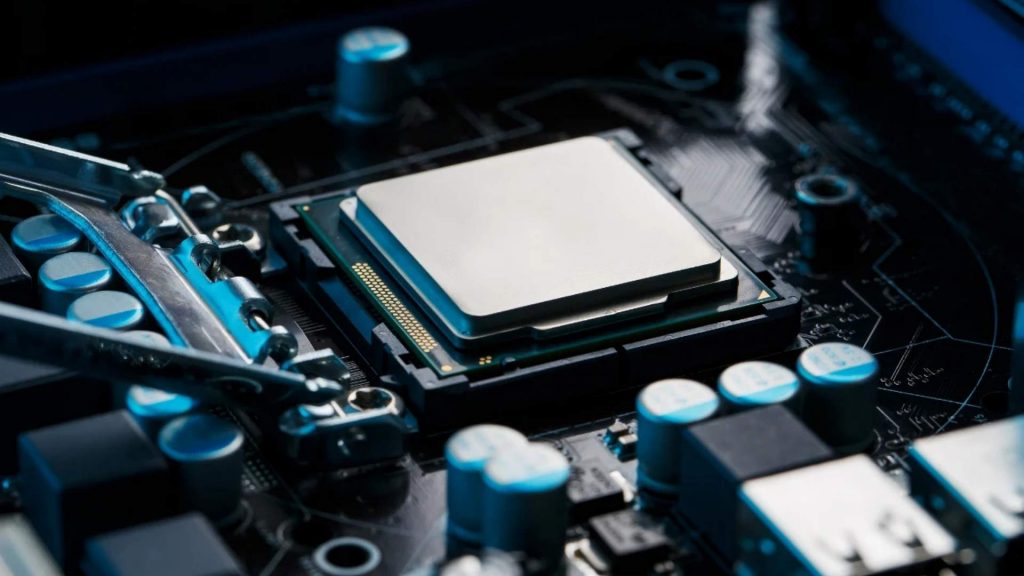 CPUs handle sequential processing, application logic, and system coordination within AI infrastructure
2. What is a GPU?
A GPU, or Graphics Processing Unit, is a processor designed to handle many calculations at the same time. Originally built for graphics rendering, GPUs are now widely used for AI, deep learning, computer vision, and large-scale data processing.
Unlike CPUs, GPUs contain thousands of smaller cores optimized for parallel computation. This makes them highly effective for matrix operations, tensor calculations, and other workloads that can be divided into many smaller tasks and processed simultaneously. In AI, GPUs are especially useful for:
- Training deep learning models
- Running large language models
- Processing image, video, and speech data
- Supporting high-throughput inference
- Accelerating large-scale machine learning workloads
As a result, GPUs are widely used to accelerate AI workloads that require high-throughput, parallel processing, and scalable performance.
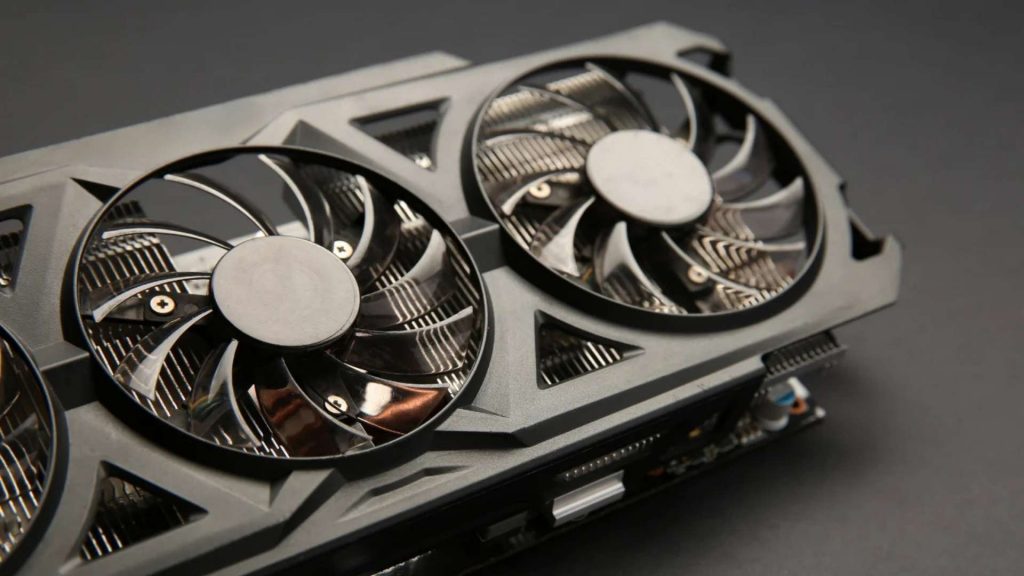
GPUs support parallel processing for compute-intensive AI workloads such as deep learning, LLM inference, and computer vision
3. Difference between CPU and GPU
The main difference between CPU and GPU lies in how each processor handles computation. CPUs are designed for flexible, sequential processing, while GPUs are designed for parallel processing at scale.
| Aspect | CPU | GPU |
| Architecture | Fewer powerful cores | Many smaller cores |
| Processing style | Sequential and flexible processing | Parallel and high-throughput processing |
| Best for | General-purpose computing and logic-heavy tasks | Compute-intensive and repetitive calculations |
| AI workload fit | Data preprocessing, orchestration, and light inference | AI training, deep learning, LLMs, and computer vision |
| Scalability | Suitable for smaller or mixed workloads | More suitable for large-scale parallel workloads |
| Cost efficiency | More cost-effective for lightweight workloads | More efficient for demanding AI workloads at scale |
In short, CPUs are better suited for diverse tasks that require flexibility, while GPUs are stronger for workloads that involve large volumes of parallel computation.
4. CPU & GPU difference in AI workloads
The CPU GPU difference becomes clearer when looking at AI workloads. AI systems often involve multiple stages, and each stage may benefit from a different type of processor.
- For AI training: GPUs are usually the stronger choice because training requires massive parallel computation. Neural networks rely heavily on matrix multiplication and tensor operations, which GPUs can process much faster than CPUs.
- For AI inference: the answer depends on workload size and performance requirements. Small models or low-traffic applications may run efficiently on CPUs. However, large language models, real-time computer vision, speech recognition, and high-volume inference usually need GPUs to maintain speed and throughput.
For preprocessing and system orchestration, CPUs still play an important role. They handle data preparation, API logic, scheduling, and coordination between services. In many production systems, CPUs and GPUs work together rather than replacing each other.
5. GPU vs CPU: Performance, latency, cost, and scalability
When comparing GPU vs CPU for AI, the right choice depends on more than raw performance. Teams also need to consider latency, scalability, cost, and operational complexity.
| Factor | CPU | GPU |
| Performance | Suitable for smaller or sequential tasks | Strong for parallel and compute-heavy workloads |
| Latency | Good for simple, single-request workloads | Better for high-throughput inference |
| Scalability | Easier to scale for general applications | Better for scaling large AI models and AI traffic |
| Cost | Lower cost for lightweight workloads | Higher cost, but better efficiency at scale |
| Operations | Easier to manage in standard environments | Requires GPU-aware infrastructure and monitoring |
GPUs usually deliver better performance for AI workloads that can be parallelized, such as deep learning training, image recognition, natural language processing, and generative AI. However, CPUs may still be more practical for traditional machine learning, smaller models, or workloads that do not require heavy acceleration.
6. When should you choose CPU, GPU, or hybrid infrastructure?
The best processor depends on the workload type, model size, traffic volume, and deployment requirements. In many real-world AI systems, the best setup is not CPU or GPU alone, but a hybrid architecture that uses both.
| Option | Best suited for | Common use cases |
| CPU | Lightweight, sequential, or logic-heavy tasks | Data preprocessing, API handling, traditional machine learning, small-scale inference |
| GPU | Compute-intensive and parallel workloads | LLM inference, deep learning training, computer vision, speech recognition |
| Hybrid CPU + GPU | AI systems that require both orchestration and acceleration | Model serving, AI application deployment, real-time inference, large-scale data pipelines |
In practice, CPU-based infrastructure is suitable for workloads that are relatively small, sequential, or logic-heavy. GPU-based infrastructure is more appropriate when the workload involves large models, high traffic volume, real-time AI processing, or large-scale training and inference.
For production AI deployment, a hybrid architecture is often the most practical approach. In this setup, CPUs handle application logic, data preparation, and system coordination, while GPUs accelerate the compute-intensive parts of the AI workload.
7. How FPT AI Factory supports GPU-based AI workloads
For teams that need scalable compute for AI training, inference, or experimentation, FPT AI Factory provides GPU-based infrastructure options to support different deployment needs.
- GPU Virtual Machine is suitable for teams that need flexible GPU infrastructure with greater control over compute resources, operating environments, and AI workloads. It can support use cases such as model training, testing, and high-performance AI development.
- GPU Container is suitable for teams that want to run containerized AI workloads with faster environment setup and easier workload portability. This is especially useful for AI teams that need consistent deployment environments across development and production.
Together, these services help businesses access GPU resources more efficiently without managing physical infrastructure from scratch. This allows teams to focus more on building, testing, and deploying AI applications, while FPT AI Factory supports the underlying compute environment.
8. Frequently Asked Questions
8.1. Is GPU always better than CPU?
No. A GPU is not always better than a CPU. GPUs are better for parallel and compute-intensive workloads, while CPUs are better for general-purpose tasks, sequential logic, and lightweight workloads.
8.2. What is the main difference between CPU and GPU?
The main difference is the processing style. A CPU is optimized for sequential processing and flexible task handling, while a GPU is optimized for parallel processing and large-scale computation.
8.3. Do I need both GPU and CPU?
Yes, most AI systems need both CPU and GPU. The CPU manages application logic, data preparation, and system coordination, while the GPU accelerates compute-intensive tasks such as AI training and inference.
8.4. Does a GPU need a CPU?
Yes. A GPU usually needs a CPU to coordinate system operations, send tasks to the GPU, and manage the overall application workflow. The GPU handles specialized parallel computation, but it does not replace the CPU.
The GPU vs CPU comparison shows that each processor plays a different role in AI deployment. With FPT AI Factory, teams can access scalable GPU infrastructure to build, test, and deploy AI workloads more efficiently. New users can receive $100 in credits and start using the service immediately after logging in. For enterprises with customization needs or large-scale deployment requirements, please contact FPT AI Factory through the contact form for dedicated support.
Contact Information:
- Hotline: 1900 638 399
- Email: support@fptcloud.com