Container vs virtual machine represent two fundamental approaches to virtualization that empower businesses to optimize resources and streamline application deployment. Understanding the distinct advantages of each technology is essential for building a scalable, secure, and high-performance IT infrastructure. At FPT AI Factory, we provide the advanced infrastructure needed to help organizations leverage both containers and virtual machines effectively.
1. What is a virtual machine?
1.1. Definitions & How it works
In simple terms, a Virtual Machine is a software-defined computer. It runs as an isolated partition with its own operating system (OS) and applications on top of a physical host machine.
The hypervisor sits between the physical hardware and the VMs, tricking the guest OS into thinking it has its own dedicated CPU, memory, and storage. There are two main types of hypervisors that you should know:
- Type 1 (Bare Metal): Runs directly on the hardware (VMware ESXi). This is common in enterprise data centers nowadays.
- Type 2 (Hosted): Runs on top of a traditional OS (VirtualBox). This is often used for personal testing or development.
1.2. Benefits
Virtual machines have been a staple in IT for decades because they offer several key advantages:
- Total Isolation: Since each VM has its own OS, a crash or security breach in one “guest” won’t affect others on the same host.
- Resource Consolidation: You can run dozens of small servers on one powerful physical machine, significantly reducing hardware costs and power consumption.
- Legacy Support: VMs are perfect for running older applications that require a specific, outdated version of an OS that isn’t compatible with modern hardware.
- Snapshot & Recovery: You can take a “snapshot” of a VM’s state. If something goes wrong during a software update, you can roll back to the exact previous state in seconds.
1.3. Challenges
While powerful, VMs aren’t always the most efficient choice for every scenario:
- Resource Overhead: Because each VM carries a full copy of an operating system, they consume significant RAM and storage even when idle.
- Slower Boot Times: Starting a VM is like starting a physical computer, you have to wait for the entire OS to load, which can take minutes.
- Management Complexity: Maintaining multiple full operating systems means more work for IT teams, including patching, licensing, and security updates for every single VM.
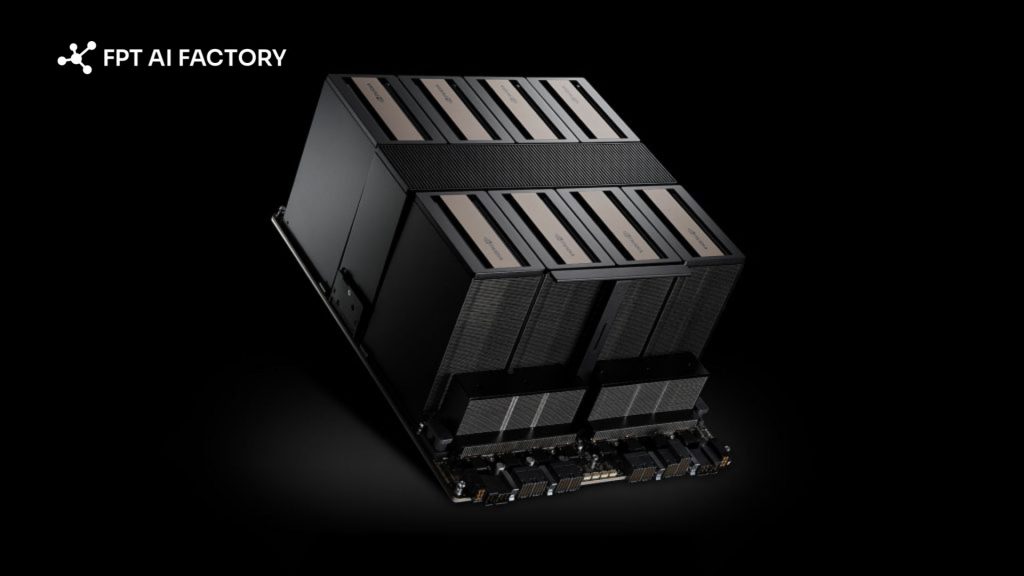
Virtual Machine runs as an isolated partition with its own operating system (Source: FPT AI Factory)
2. What Is a Container?
2..1. Definitions & How it works
Think of a container as a self-contained, lightweight unit that bundles an application with all its essential components. By including the code, runtime, and necessary system libraries and tools, it ensures the software runs consistently across any environment.
Unlike a virtual machine, a container does not carry its own operating system. Instead, it sits on top of a physical server and its host OS. All containers running on that host share the same OS kernel. A container engine (like Docker) manages these containers, ensuring they remain isolated from each other while sharing the underlying resources. This shared approach makes them incredibly efficient and fast.
2.2. Benefits
Containers offer several distinct advantages that make them a favorite for modern, cloud-native development:
- Portability: Because a container includes all its dependencies, it works the same way in any environment. You can “build once, run anywhere” without worrying about bugs.
- Extreme Efficiency: Since they don’t boot a full OS, containers use much less memory and CPU. You can often run two to three times as many containers as VMs on the same hardware.
- Instant Start-up: Containers can start in a matter of seconds. This allows systems to scale up or down almost instantly in response to changes in user traffic.
- Simplified DevOps: Containers break applications into smaller, manageable pieces (microservices). This makes it easier for teams to update or fix one part of an app without taking down the entire system.
- Persistent Storage: Containers are “ephemeral,” meaning they are designed to be deleted and recreated easily. Saving data permanently requires extra configuration and external storage solutions.
- OS Limitations: You can only run containers that are compatible with the host OS. For example, you cannot run a Windows-specific container on a Linux host without additional workarounds.
Container sits on top of a physical server and its host OS (Source: FPT AI Factory)
3. Container vs Virtual Machine: Key Differences
To help you choose the right fit for your project, the following comparison highlights the fundamental trade-offs between container vs virtual machine across performance, security, and scalability.
| Criteria | Virtual Machines (VMs) | Containers |
| Architecture | Hardware-level virtualization, includes a full Guest OS. | OS-level virtualization, shares the Host OS kernel. |
| Performance | Higher overhead due to the full OS layer. | Near-native performance with minimal overhead. |
| Resource Efficiency | Requires reserved RAM and disk space for the OS. | Highly efficient, uses only the resources needed by the app. |
| Startup Speed | Minutes (needs to boot the entire OS). | Seconds (starts as a standard process). |
| Security | Strong isolation (hardware-level boundary). | Process-level isolation (shared kernel risk). |
| Portability | Harder to move across different platforms. | Extremely portable |
| When to Use | For legacy apps, high-security needs, or different OS requirements. | For microservices, rapid scaling, and modern DevOps workflows. |
4. Use cases of Container and Virtual Machine
Understanding where each technology excels will help you build an infrastructure that is both cost-effective and high-performing.
4.1. Use cases of Container
Containers are the go-to choice for modern, agile development where speed and portability are the top priorities.
- Microservices Architecture: Perfect for breaking down a large application into small, independent services that can be updated without affecting the whole system.
- CI/CD Pipelines: Developers use containers to ensure that code tested on a local machine behaves exactly the same way when pushed to production.
- Rapid Scaling: Ideal for web applications that experience sudden spikes in traffic, as you can spin up hundreds of container instances in seconds.
- Cloud-Native Apps: Since containers are lightweight, they are the standard for applications designed to run natively in distributed cloud environments.
4.2. Use cases of Virtual Machine
Virtual machines remain the backbone for workloads that require high security, specific hardware configurations, or full OS control.
- Legacy Applications: If you have older software that only runs on a specific version of Windows or Linux, a VM provides the exact environment needed.
- Multi-tenant Environments: When hosting data for different clients on the same hardware, VMs provide the strong isolation required to prevent data leakage.
- Resource-Intensive Workloads: For tasks that require dedicated, consistent power, such as large-scale databases. VMs ensure that resources aren’t shared or “stolen” by other processes.
Containers vs. virtual machines in real use cases (Source: FPT AI Factory)
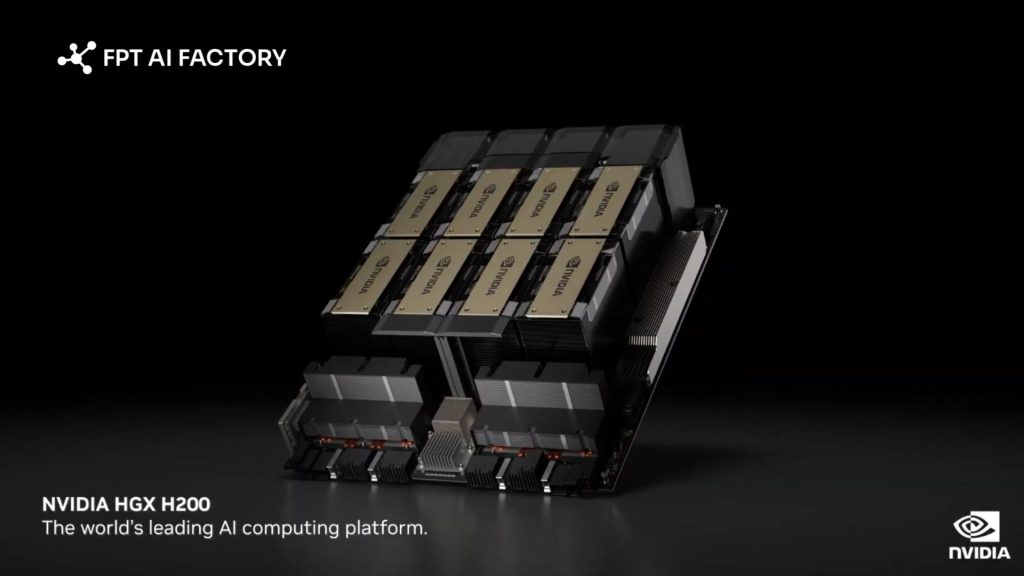
In the realm of high-performance computing, the GPU Virtual Machine has emerged as a specialized powerhouse. By combining the robust isolation of a VM with the massive parallel processing power of advanced GPU chips, these instances are designed to handle exceptionally complex workloads.
GPU VMs are essential for supporting heavy tasks like training large-scale AI models, 3D rendering, and complex scientific simulations. They offer the stability of a dedicated virtual environment while delivering the raw compute speed necessary to process massive datasets in a fraction of the time.
If you are ready to accelerate your development, explore our Starter Plan today. New users receive a Free $100 credit and can start using it immediately after logging in, with no setup delay. This credit is valid for 30 days and includes:
- $10 for GPU Container and $10 for GPU Virtual Machine
- $10 for AI Notebook and $70 for AI Inference & AI Studio
- Access to up to 5M tokens with Llama-3.3 and 20+ other state-of-the-art models
For enterprises or organizations with needs for customization or large-scale deployment, please contact FPT AI Factory directly via the official contact form to receive tailored support and solutions.
In short, when comparing container vs virtual machine, there is no one-size-fits-all answer. The ideal choice is shaped entirely by your specific operational goals. If you are still weighing which technology best aligns with your business objectives, our specialists are available to help you architect an infrastructure tailored to your unique requirements. Contact FPT AI Factory today for a personalized consultation!
Contact Information:
- Hotline: 1900 638 399
- Email: support@fptcloud.com