


What is GPU? and why is it becoming a core component in modern computing? From gaming to artificial intelligence, GPUs play a critical role in accelerating complex workloads. In this article, FPT AI Factory will share how businesses can access high-performance GPU infrastructure to build and scale AI applications efficiently.
1. What is a GPU?
A GPU, or Graphics Processing Unit, is a specialized processor designed to handle many calculations at the same time. Originally used for rendering images, videos, and 3D graphics, GPUs are now essential for AI workloads because they can process large volumes of data in parallel instead of handling tasks one by one like traditional CPUs.
This parallel processing capability is especially important in AI training, where models must learn from massive datasets through billions of repeated mathematical operations. According to NVIDIA, GPU acceleration can make machine learning training up to 215x faster, enabling teams to perform more iterations, increase experimentation, and explore models more deeply. This helps reduce training time, speed up model development, and make GPUs a core requirement for modern AI infrastructure.
GPUs can be deployed and accessed in different ways depending on business needs:
- On-premise GPUs: These are physical GPUs installed directly on local systems. While they provide full control over performance and configuration, they require significant upfront purchase investment, along with ongoing maintenance and infrastructure support.
- Cloud-based GPUs: These GPUs are delivered through renting cloud services, allowing businesses to access high-performance computing resources without owning hardware. This approach offers flexibility, easier scaling, and reduces the complexity of infrastructure management.

A GPU is a processor built for fast parallel computing in graphics, AI, and data-heavy tasks
2. How does a GPU work?
A GPU works by processing large volumes of data through parallel execution. Instead of handling tasks sequentially like a CPU, it breaks complex workloads into smaller parts and processes them simultaneously, enabling faster results for data-intensive and repetitive tasks.
In addition to its processing capability, a GPU uses dedicated high-speed memory to store and access data efficiently. This combination of parallel computing and optimized memory allows GPUs to handle demanding workloads such as graphics rendering, simulations, and AI applications with improved speed and stability.
2.1. Parallel Processing
Parallel processing is the core principle behind how GPUs operate. Tasks are divided into multiple smaller operations and executed at the same time across many cores. This is especially effective for workloads that involve repeated computations. For example, in machine learning, GPUs can process large batches of data simultaneously, significantly reducing training time compared to CPUs.
2.2. GPU Architecture
GPU architecture is designed for high-throughput performance. Instead of relying on a few powerful cores, a GPU contains many smaller cores that work together to process data efficiently. In addition, GPUs are equipped with high-bandwidth memory that enables fast data transfer during computation.
This structure allows them to handle intensive workloads smoothly, whether integrated into a CPU or used as a separate component. For a deeper understanding, you can explore how GPU computing works in real-world applications.
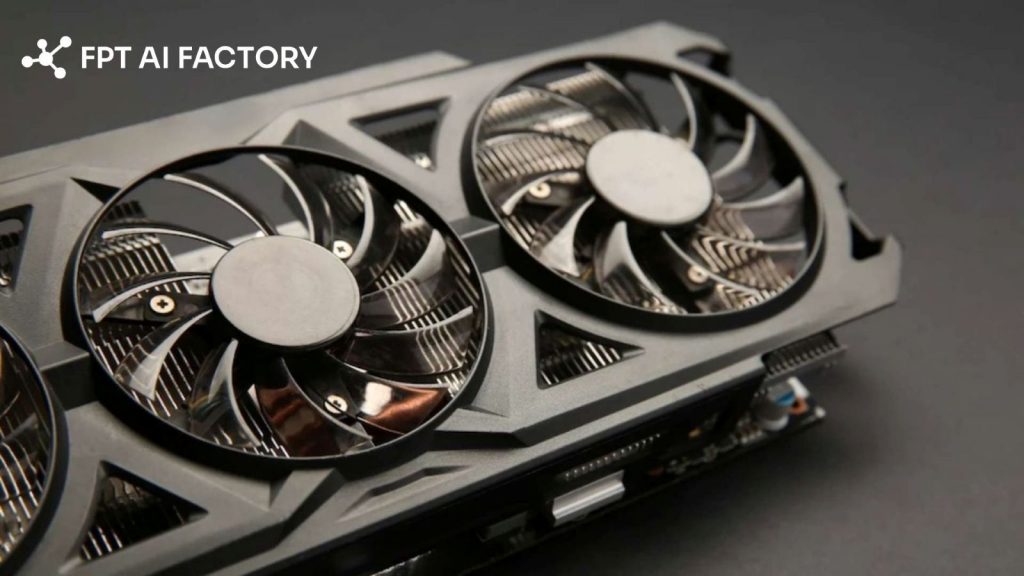
GPU architecture uses many small cores and fast memory to process data in parallel efficiently (Source: FPT AI Factory)
>> Explore: What Is GPU Computing and How Does It Work? A Complete Guide
3. What are GPUs used for?
GPUs are widely used to accelerate computation-heavy tasks across multiple industries. While originally designed for graphics processing, they are now essential in areas such as artificial intelligence, gaming, scientific research, and digital content creation, where fast data processing and high computational performance are required.
3.1. AI and Machine learning workloads
GPUs play a critical role in AI and machine learning by accelerating both model training and inference. They are particularly effective for handling large datasets and complex algorithms, making them widely used in applications such as image recognition, natural language processing, recommendation systems, and predictive analytics. For a deeper understanding, you can explore the differences between generative AI and machine learning.
3.2. Gaming
Gaming remains one of the most common applications of GPUs, as they are responsible for rendering real-time graphics, animations, and visual effects. Modern games require high resolution, realistic lighting, and stable frame rates, making GPU performance essential for delivering smooth and immersive gaming experiences across platforms, including 4K displays and virtual reality.
3.3. Graphics Rendering
GPUs are widely used in industries such as architecture, animation, and digital design to accelerate the rendering of 2D and 3D visuals. This allows professionals to generate high-quality images, animations, and visual simulations more efficiently, reducing production time and improving workflow productivity for creative teams.
3.4. Scientific Computing and Data Analysis
GPUs are extensively used in scientific computing to process large datasets and run complex simulations. They support applications in fields such as healthcare, finance, and engineering, including drug discovery, risk modeling, and climate analysis, where high-speed computation is essential for generating accurate and timely insights.
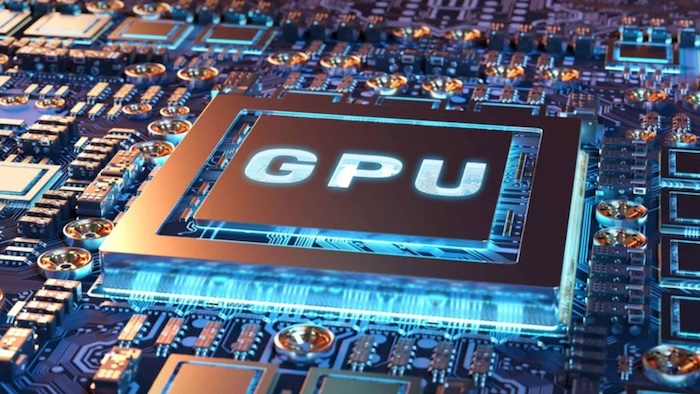
GPUs support scientific computing by handling large datasets and complex simulations
3.5. Video Editing and 3D Modeling
GPUs play an important role in video editing and 3D modeling by accelerating tasks such as rendering, encoding, and visual effects processing. This enables creators to work more efficiently with high-resolution content, resulting in faster production cycles and smoother workflows, especially when handling 4K video or complex 3D assets.
4. Why have GPUs become essential for AI?
The rapid growth of artificial intelligence is driving a strong demand for high-performance computing. GPUs have become essential for AI because they can accelerate both training and inference processes, enabling faster model development and more efficient handling of large-scale data.
As AI workloads continue to grow in complexity, organizations need computing resources that can scale efficiently. However, adopting GPUs is not always straightforward, as many businesses face several challenges:
- High upfront investment for GPU hardware
- Need for dedicated infrastructure and ongoing maintenance
- Requirement for skilled technical teams
- Difficulty scaling resources as workloads increase
These limitations make it difficult for organizations to fully utilize GPU capabilities while maintaining flexibility and cost efficiency. As a result, cloud-based GPU services have emerged as a more practical solution, allowing businesses to access GPU resources on demand, scale more easily, and reduce infrastructure complexity instead of investing in physical hardware.
With FPT AI Factory, organizations can leverage scalable AI Infrastructure powered by GPU cloud without the need for physical deployment. Businesses can access high-performance GPUs, including NVIDIA H100, based on their workload requirements to efficiently run AI and machine learning applications. FPT AI Factory offers two key GPU services:
- GPU Container: A ready-to-use environment that enables quick deployment and execution of AI workloads with minimal setup. GPUs are powered by NVIDIA HGX H100 and HGX H200 with speed and cost efficiency.
- GPU Virtual Machine: A flexible solution that provides full control over GPU instances, suitable for customized environments, AI model development, and large-scale training workloads. FPT AI Factory currently focuses on high-performance GPU options such as NVIDIA H100 and H200, while next-generation GPU architectures like NVIDIA Blackwell/B300 are expected to further improve memory capacity and processing performance for future AI infrastructure.
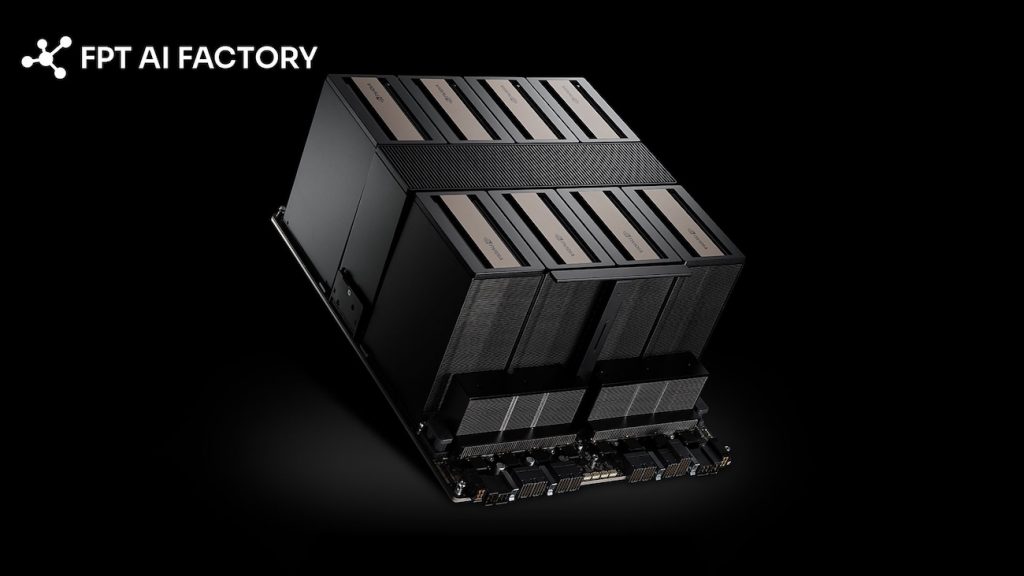
NVIDIA HGX B300 delivers high-performance multi-GPU computing for advanced AI workloads (Source: FPT AI Factory)
>> Explore: What is a serverless GPU? Benefits, use cases, how it works
5. Frequently Asked Questions
5.1. Is a GPU necessary for AI?
A GPU is not always necessary for AI. Simple tasks like rule-based automation, basic data processing, or small predictive models can still run well on CPUs. However, GPUs become important for deep learning, large datasets, computer vision, NLP, and large language models because these workloads need heavy parallel processing. According to NVIDIA, the H100 GPU delivers up to 9x faster AI training and up to 30x faster AI inference on large language models compared with A100, showing why high-performance GPUs are often needed for complex AI workloads.
5.2. What GPU do I need for machine learning?
Choosing the right GPU for machine learning depends on the complexity of your workload. Basic tasks can run on entry-level GPUs, while more advanced use cases such as deep learning require higher performance and greater memory capacity. For large-scale AI training, high-end GPUs like NVIDIA H100 are often needed to ensure faster processing and handle complex models efficiently.
5.3. What are the differences between GPU and CPU?
The main difference between a CPU and a GPU lies in how they process tasks and what they are designed for. A CPU focuses on handling a wide range of general tasks in a sequential manner, making it suitable for system operations and everyday computing. In contrast, a GPU is built to handle many calculations at the same time, making it more efficient for parallel workloads such as AI, graphics processing, and large-scale data computation.
Understanding “what is a GPU” helps highlight its role as a foundational technology powering everything from gaming and graphics to artificial intelligence and data-intensive computing. As modern workloads continue to grow in complexity, access to scalable and efficient GPU resources becomes increasingly important for businesses to maintain performance and innovation.
With FPT AI Factory, individuals can start using GPU resources instantly with a $100 credit upon signup, allowing immediate access to high-performance computing. For enterprises with larger or customized requirements, you can reach out via the official contact form for tailored solutions.
Contact information:
- Hotline: 1900 638 399
- Email: support@fptcloud.com


