


What is a GPU cluster and how does it power the next generation of high-performance computing? Understanding the architecture and diverse use cases of these interconnected nodes is essential for businesses looking to accelerate complex AI workloads and data processing. At FPT AI Factory, we provide the robust infrastructure and expertise needed to deploy and manage high-performance GPU clusters, helping you stay ahead in the rapidly evolving AI landscape.
1. What is a GPU cluster?
A GPU cluster is a sophisticated network of multiple computers, known as nodes, that work together as a single powerful system. Each node within the cluster is equipped with one or more Graphics Processing Units (GPUs) to handle intensive computational tasks.
To understand the core components and benefits of a GPU cluster, consider the following key points:
- Distributed Computing: It connects several high-performance machines to function as a unified engine, distributing workloads across the entire network.
- Parallel Processing: Unlike standard setups, these clusters break down complex problems into smaller pieces, processing thousands of calculations simultaneously.
- High-Speed Interconnects: Specialized networking ensures that data moves between GPUs with minimal latency, which is crucial for maintaining consistent performance.
- Scalability: Organizations can expand their computing capacity by adding more nodes to the cluster, providing the flexibility to grow alongside project demands.

A GPU cluster is a sophisticated network of multiple computers (Source: FPT AI Factory)
2. How does a GPU Cluster Work?
Understanding how a GPU cluster operates is key to grasping how modern AI achieves such incredible speeds. Rather than relying on a single machine, these systems distribute massive workloads across an interconnected web of hardware.
2.1. Distributed computing in GPU clusters
Distributed computing is the foundation of any GPU cluster. It allows a single, massive task, such as training a trillion-parameter AI model, to be split into smaller, manageable pieces that run simultaneously across different nodes.
- Node Cooperation: Each node acts as an individual worker, but they are all synchronized to function as a unified supercomputer.
- Resource Pooling: By connecting multiple nodes, the cluster pools together memory (VRAM) and processing power, overcoming the physical limits of any single server.
- Workload Management: A central orchestrator assigns specific tasks to each node, ensuring that no single resource is overwhelmed while others sit idle.
2.2. Data parallelism and model parallelism
To handle high-performance tasks, developers use two primary strategies to divide the work among GPUs:
- Data Parallelism: This is the most common approach. The entire model is copied onto every GPU, but each one processes a different subset of the data. After each step, the GPUs “talk” to each other to synchronize what they’ve learned.
- Model Parallelism: If a model is too large to fit into the memory of a single GPU, it is sliced into pieces. Different GPUs handle different layers or parts of the model, working together to complete a single pass of data.
2.3. Multi-node training
Multi-node training takes parallelism to a larger scale by moving beyond a single server box. When your project requires hundreds or thousands of GPUs, they must communicate across a high-speed network.
- Interconnects: Technologies like InfiniBand or RoCE (RDMA over Converged Ethernet) provide the “highways” for data to travel between nodes with near-zero delay.
- Synchronization: Multi-node setups require precise timing to ensure that all nodes stay updated with the latest model weights, preventing errors in the training process.
- Efficiency: This approach allows teams to reduce training times from several months to just a few days, accelerating the time-to-market for new AI features.
2.4. Communication frameworks such as NCCL
For all these GPUs to work as a team, they need a common language. NVIDIA Collective Communications Library (NCCL) is the standard framework used to manage this teamwork.
- Optimized Paths: NCCL automatically finds the fastest route for data to travel, whether it’s through NVLink inside a machine or across the network to another node.
- Collective Operations: It handles complex tasks like “AllReduce,” which gathers data from all GPUs, averages it, and sends the result back to everyone simultaneously.
- CPU Offloading: NCCL allows GPUs to talk directly to each other (GPUDirect RDMA), bypassing the CPU to reduce bottlenecks and speed up the entire system.
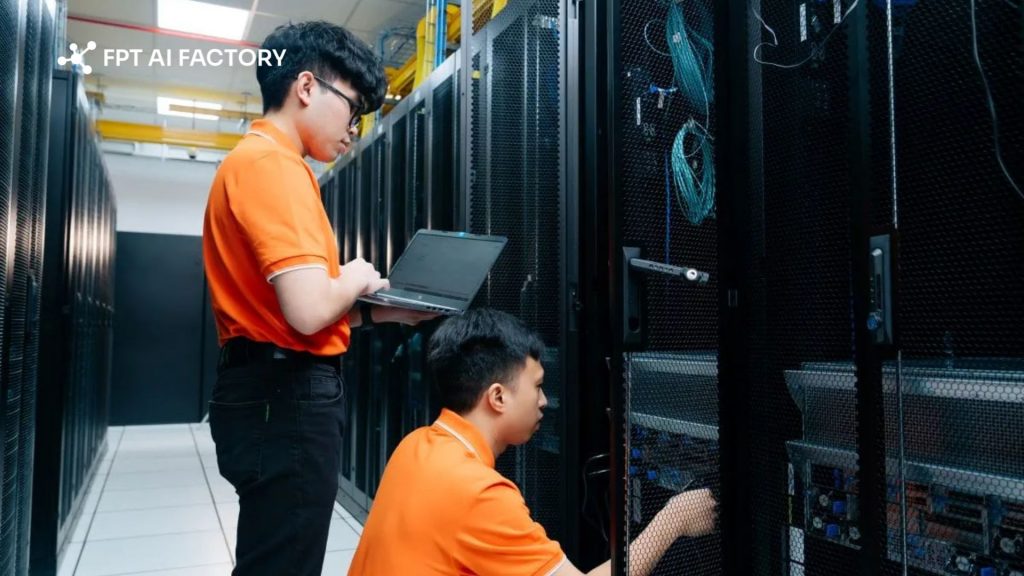
Understanding how a GPU cluster operates is key to grasping how modern AI achieves speeds (Source: FPT AI Factory)
3. GPU Cluster Architecture and Components
Building a robust GPU cluster requires more than just powerful processors; it involves a carefully orchestrated synergy between specialized hardware and intelligent software. This architecture ensures that every component communicates seamlessly to maximize throughput and minimize downtime.
3.1. Hardware Components
The physical layer of a cluster is designed to handle extreme thermal loads and massive data transfers. Each part plays a specific role in maintaining the system’s overall health and speed.
- GPU Nodes: These are the primary building blocks, often high-density servers housing multiple GPUs (such as 8x NVIDIA H100s) connected via high-speed internal links like NVLink.
- Central Processing Units (CPUs): While GPUs do the heavy lifting for AI, the CPU acts as the “manager,” handling data preprocessing, system interrupts, and coordinating tasks between the storage and the GPUs.
- High-Bandwidth Memory (HBM): Modern GPUs utilize HBM to ensure that data moves into the processing cores fast enough to keep them fully utilized, preventing performance bottlenecks.
- Networking Fabric: High-speed interconnects like InfiniBand or 400G Ethernet are essential. They provide the low-latency “superhighway” required for nodes to share information during large-scale training.
Explore more: InfiniBand vs Ethernet: Best Network for AI Workloads
3.2. Storage and Orchestration Software
A cluster’s hardware is only as effective as the software managing it. To prevent GPUs from starving for data, the software layer must be highly efficient and automated.
- Parallel File Systems: Standard storage isn’t fast enough for AI. Systems like Lustre or Weka allow thousands of GPUs to read and write data simultaneously at incredible speeds.
- Cluster Orchestration: These tools act as the brain of the cluster. They schedule jobs, allocate specific GPUs to different teams, and automatically restart tasks if a hardware node fails.
- Containerization: Using tools like Docker or Apptainer ensures that the software environment is consistent across every node, making it easy to deploy complex AI frameworks without compatibility issues.
- Monitoring and Telemetry: Real-time software suites track temperature, power usage, and link health. This allows administrators to optimize performance and predict potential failures before they happen.
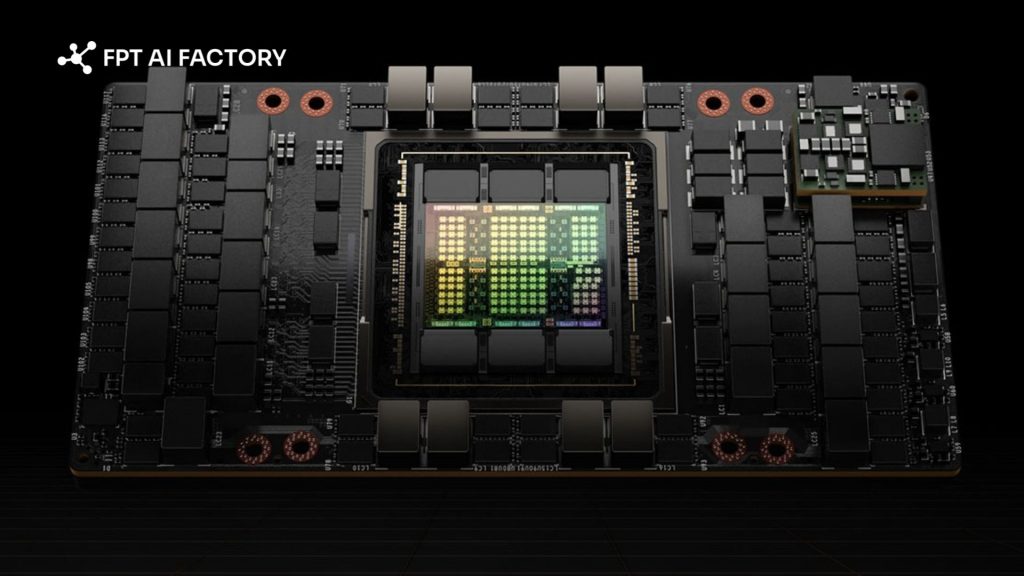
Building a robust GPU cluster requires more than just powerful processors (Source: FPT AI Factory)
4. Types of GPU Clusters
GPU clusters come in different forms depending on how they are deployed and what they are used for. Understanding these types helps businesses choose the right setup to balance performance, cost, and scalability for AI workloads.
- On-premise GPU clusters: These are deployed within a company’s own data center. They are suitable for organizations that require strict data control, high security, or consistent long-term workloads.
- Cloud-based GPU clusters: Provided through cloud platforms, these clusters offer flexible scaling based on demand. Businesses can access GPU resources quickly without building physical infrastructure.
- Hybrid GPU clusters: A combination of on-premise and cloud environments. Sensitive data can be processed locally, while additional workloads can be offloaded to the cloud when needed.
- High-performance GPU clusters (HPC clusters): Designed for compute-intensive tasks such as large-scale AI model training, simulations, or complex data processing. These clusters typically use high-speed interconnects between GPUs to minimize latency and maximize performance.
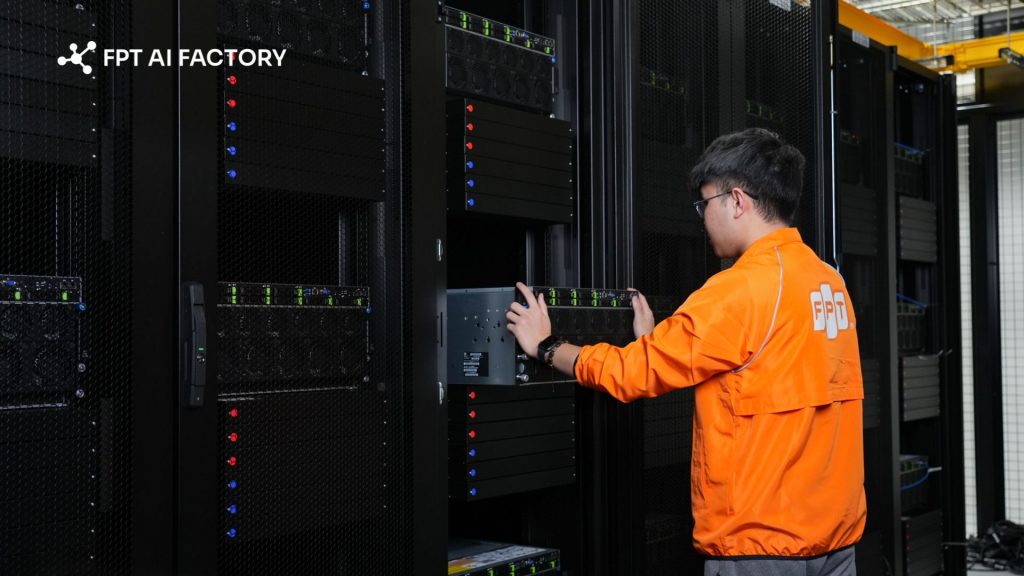
GPU clusters come in different forms depending on how they are deployed (Source: FPT AI Factory)
5. How to build a GPU cluster
Constructing a GPU cluster is a strategic investment that requires balancing raw power with system efficiency. A well-designed cluster ensures that your hardware investment translates into faster insights and shorter development cycles.
5.1. Choosing the right GPUs
The first step is selecting the processing units that best match your specific workload requirements. Not all GPUs are created equal, and the choice often depends on the scale of the models you intend to run.
- Compute Requirements: For large-scale AI training, enterprise-grade GPUs like the NVIDIA H100 or A100 are preferred due to their high memory bandwidth and Tensor Cores.
- VRAM Capacity: Ensure the GPUs have enough onboard memory to hold your datasets and model parameters, which prevents frequent and slow data swapping.
- Thermal Design: High-performance GPUs generate significant heat, so your choice must align with your facility’s cooling capabilities and power infrastructure.
5.2. Considering key networking and storage
A cluster is only as fast as its slowest connection. Without high-speed networking and storage, even the most expensive GPUs will sit idle while waiting for data.
- Non-Blocking Fabric: Implement networking solutions like InfiniBand to provide the low-latency, high-throughput communication necessary for multi-node synchronization.
- Flash-Based Storage: Use NVMe-based parallel file systems to ensure that data delivery can keep up with the rapid processing speeds of modern GPUs.
- Redundancy: Design your network with redundant paths to ensure that the cluster remains operational even if a single switch or cable fails.
5.3. Selecting software and frameworks for managing
The software stack acts as the operating system for your cluster, turning a collection of servers into a manageable resource pool.
- Workload Schedulers: Tools like Kubernetes or Slurm are essential for distributing tasks among users and ensuring that hardware resources are utilized fairly and efficiently.
- Optimization Libraries: Utilize frameworks such as NCCL for inter-GPU communication and CUDA for low-level hardware acceleration to get the most out of every cycle.
- Cluster Monitoring: Deploy comprehensive dashboards to track power consumption, temperature, and utilization rates across the entire infrastructure.
While building an on-premise cluster offers total control, the initial capital investment and ongoing operational costs can be substantial. For many organizations, leveraging cloud-based infrastructure is a more agile and cost-effective alternative.
FPT AI Factory offers high-performance GPU cluster services that eliminate the burden of expensive hardware acquisition, maintenance, and electricity costs. Our platform allows you to scale your resources up or down based on your immediate needs, ensuring you only pay for the computing power you actually use while maintaining enterprise-grade performance.
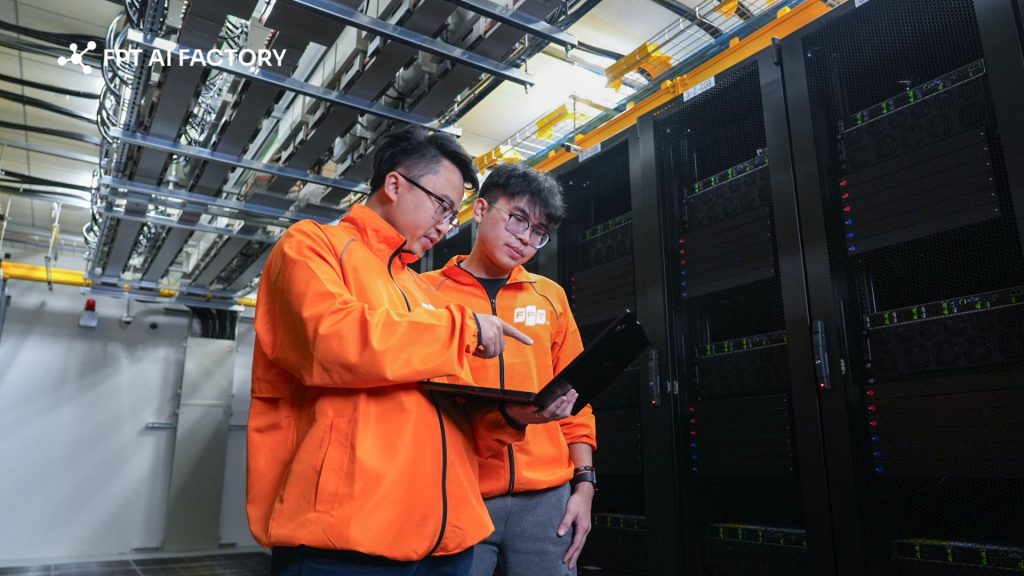
Constructing a GPU cluster is a strategic investment (Source: FPT AI Factory)
6. Use Cases of GPU Clusters
The immense power of a GPU cluster is the driving force behind the most significant breakthroughs in modern technology. By moving beyond the limitations of single-node computing, organizations can tackle complex problems that were previously impossible to solve.
6.1. Model training and fine-tuning
Training a modern AI model from scratch requires trillions of floating-point operations. A cluster allows this workload to be distributed, turning a process that would take years on a standard computer into a matter of days.
- Accelerated Learning: Clusters enable the processing of massive datasets simultaneously, drastically shortening the time required for a model to reach peak accuracy.
- Domain Adaptation: For businesses, fine-tuning pre-trained models on industry-specific data (like medical or legal records) becomes seamless when backed by high-performance GPU nodes.
- Iterative Development: Faster training cycles allow researchers to test more hypotheses and refine model architectures more frequently.
6.2. Inference at scale and scientific computing
Beyond AI, GPU clusters are indispensable for processing large-scale data and running complex simulations that require extreme precision.
- Real-time Analytics: When serving millions of users, a cluster ensures that AI-driven features—like recommendation engines or fraud detection-respond in milliseconds.
- Scientific Simulations: Researchers use clusters for climate modeling, molecular dynamics, and drug discovery, where every microsecond of simulation involves billions of data points.
- Data Visualization: High-density GPU environments can render complex 3D models and geographic data at scales that standard servers cannot handle.
6.3. Generative AI workloads
Generative AI, such as image synthesis and video generation, is incredibly resource-intensive. These workloads require the massive VRAM and parallel throughput that only a cluster can provide.
- Content Creation: Clusters support the heavy lifting needed for Diffusion models and GANs (Generative Adversarial Networks) to produce high-resolution assets.
- Multimodal Processing: Handling projects that involve simultaneous text, audio, and video processing requires the coordinated effort of multiple GPUs to maintain workflow stability.
- Creativity at Speed: With clustered resources, creative teams can generate and iterate on AI-assisted designs without the frustration of long rendering queues.
6.4 LLM serving
Deploying Large Language Models (LLMs) like GPT-4 or Llama 3 for public use is a significant engineering challenge. LLM serving requires specialized memory management to handle long conversations and multiple users.
- High Throughput: Clusters allow for “batching” requests, meaning the system can process hundreds of user queries at once without a drop in performance.
- Reduced Latency: By distributing the model across multiple GPUs (Model Parallelism), clusters ensure that the “time to first token” is near-instant for the end user.
- Reliability: In production LLM serving, reliability depends on stable infrastructure, proper scaling, and the ability to handle traffic spikes without service interruption. GPU clusters help distribute workloads more effectively, so applications can remain responsive during periods of high demand.
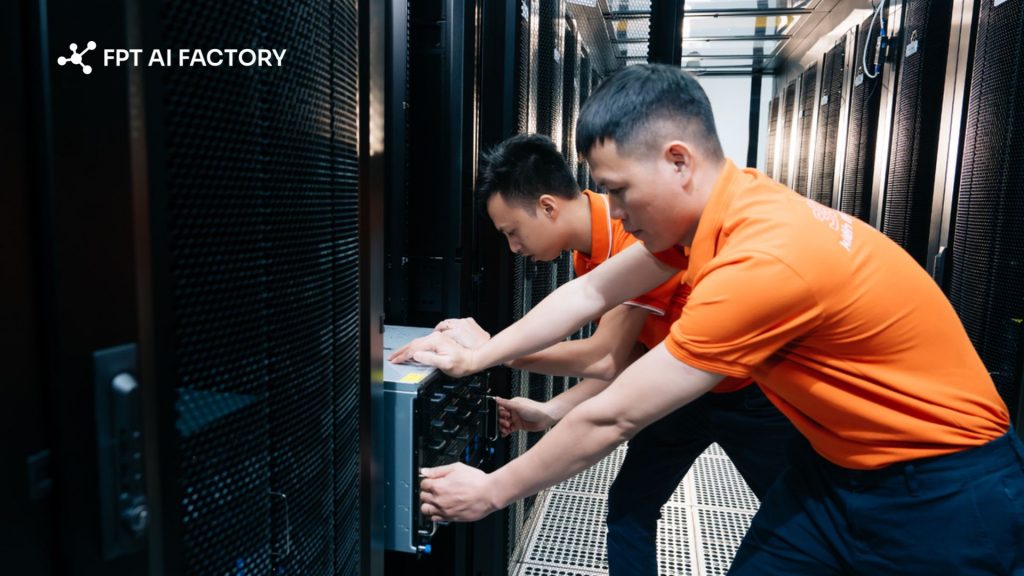
Some GPU cluster use cases (Source: FPT AI Factory)
To help you get started, we offer a Starter Plan with $100 in free credits for new users to explore the FPT AI Factory ecosystem for 30 days. Individuals receive the full $100 credit upon registration and can use it immediately after logging in, no setup or approval required, so you can start building and experimenting right away. For enterprises or organizations with needs for customization or large-scale deployment, please contact FPT AI Factory via the official contact form to receive tailored support and solutions.
Understanding what is a GPU cluster is the first step toward unlocking the full potential of modern artificial intelligence and high-performance computing. From accelerating complex model training to enabling real-time LLM serving, these powerful interconnected systems provide the essential backbone for any data-driven organization. For businesses with more advanced needs, such as customized solutions or large-scale deployments, contact FPT AI Factory today for a personalized consultation!
Contact Information:
- Hotline: 1900 638 399
- Email: support@fptcloud.com
Explore related articles
What Is GPU Computing and How Does It Work? A Complete Guide
On-Premises vs. Cloud GPUs: Which Is More Cost-Effective?


